
Solutions
Schedule, Track and Prove Every Service Job
Assigned. Guided. Completed — Powered by RunboardPRO Dispatch
RunboardPRO gives service teams the scheduling and visibility to send mobile jobs to the field — with the site details, checklists and completion proof that keep customers informed and work accountable.

The Reality of Mobile Service Work
Service jobs mean the right person at the right site with the right information, then proof the work was done. When jobs are dispatched by phone and paper, details get lost and the office spends the day chasing updates.
Mobile jobs. Live sites. Real accountability. RunboardPRO keeps every job assigned, guided and proven.
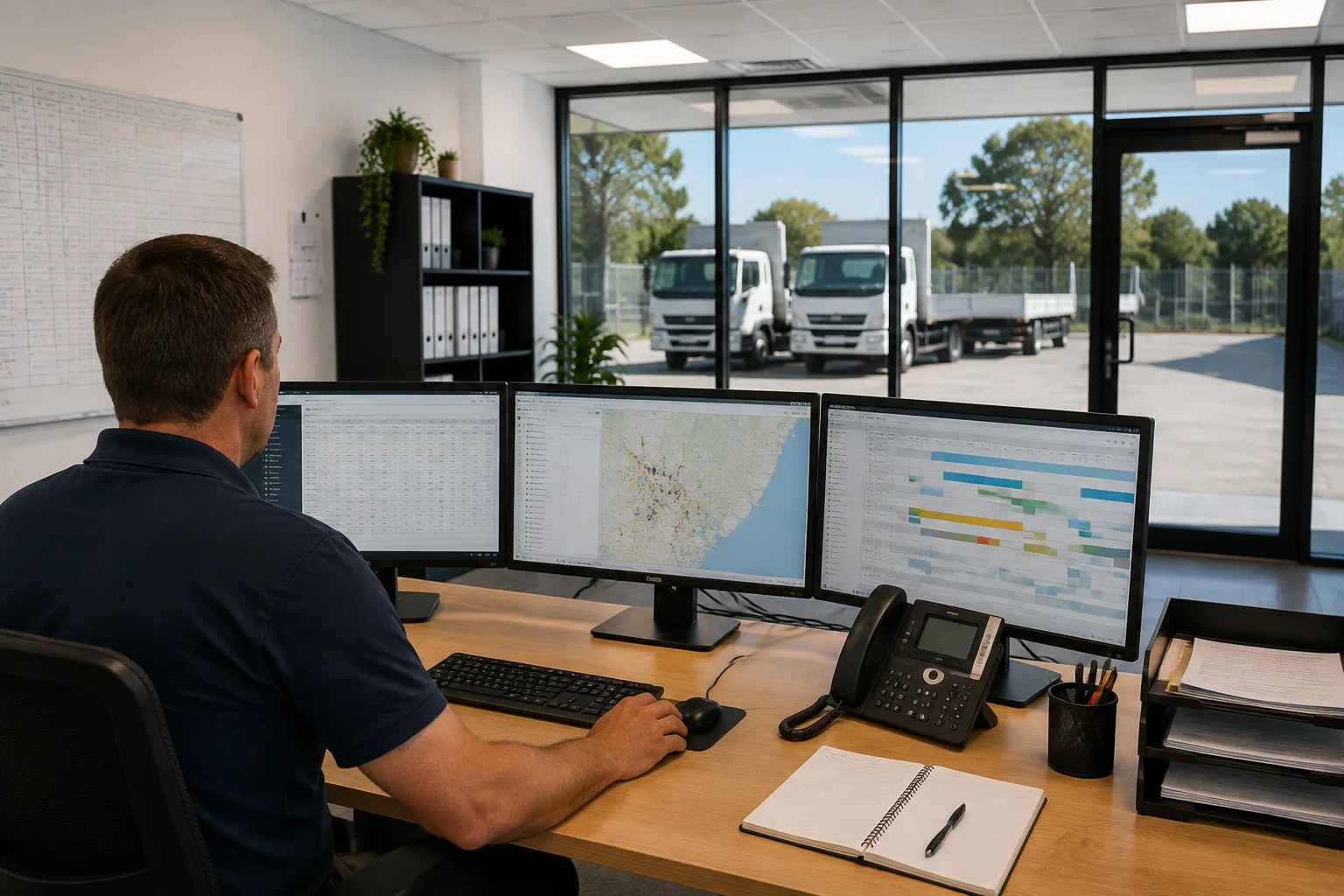
Jobs Dispatched by Phone
Assigning work by call and text leaves gaps, so staff arrive without the full picture.
Site Details Left Behind
Access, contacts and job notes don't make it to the field, causing wasted visits and callbacks.
No Live View of the Day
The office can't see who's on site or done, so it chases status one call at a time.
Work That Can't Be Proven
Without photos or notes, there's no clear record that a job was completed to standard.
Built for Service Job Dispatch
Dispatch & Planning
Jobs Planned on One Board
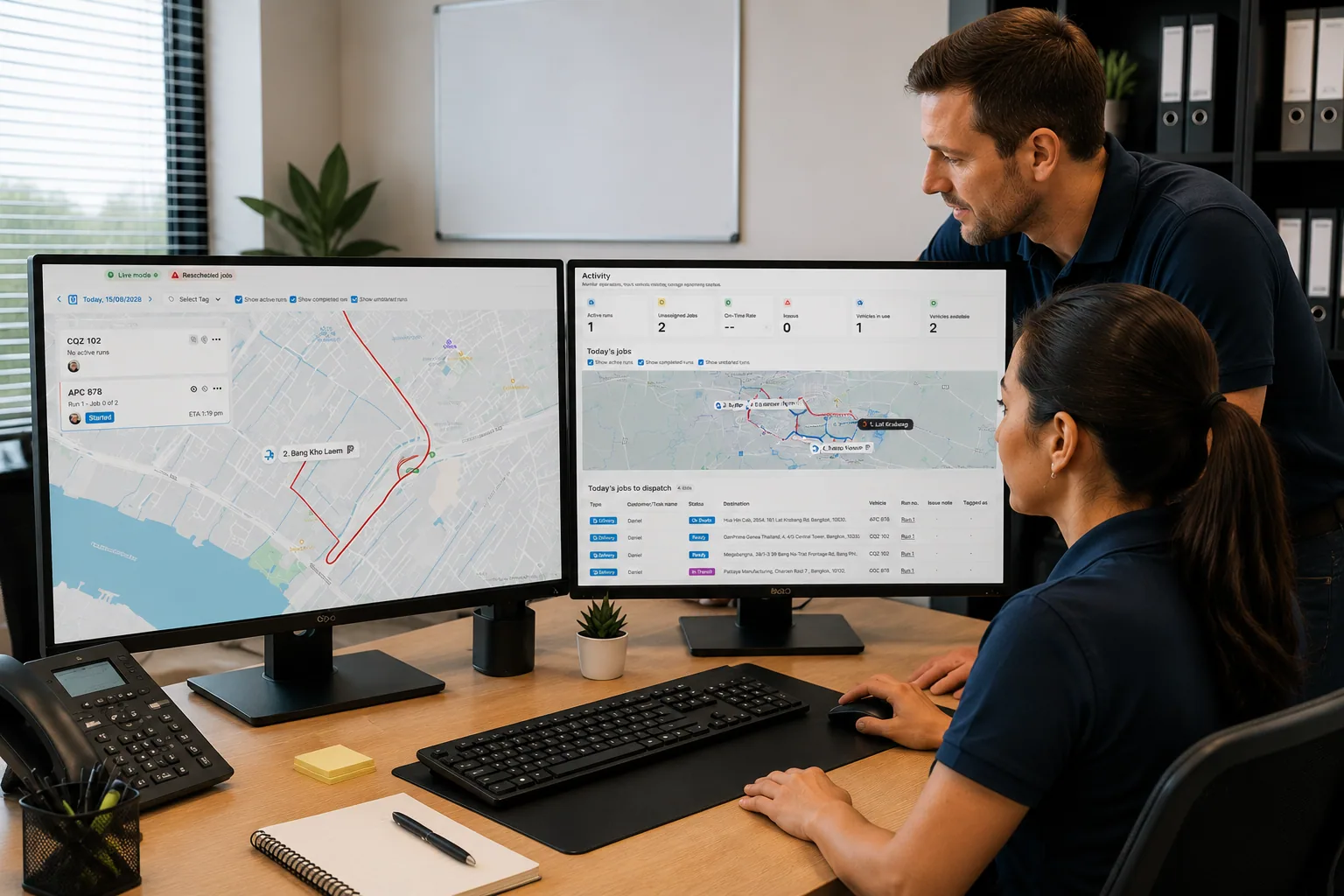
Schedule jobs on the Dispatch Board with task cards and assign the right person with drag-and-drop.
Dispatch sees each job's status live, so the day can be reshuffled the moment something changes.
RunTRAC Driver App
Full Detail in the Field
RunTRAC gives staff the site contact, access notes and job details, with navigation from the address.
Checklists guide the work, so every job is done the same way, every time.
Customer Tracking & Updates
Customers Kept Informed
Customers get automatic SMS updates and a tracking link as the job moves to On Site and Completed.
Fewer 'when are you coming' calls, and customers ready when staff arrive.
Proof of Delivery
Proof of Work Done
Staff capture photos, notes and a signature on completion, straight from the app.
Timestamped records against the job show exactly what was done and when.
How a delivery runs on RunboardPRO
The same six steps behind every job, from the moment it is created to the proof that closes it.
- Step 1
Job Created
- Step 2
Driver Assigned
- Step 3
Driver Notified
- Step 4
Loaded
- Step 5
On Route
- Step 6
Delivered
What changes on day one
No new complexity. Clearer jobs and stronger proof from day one.
Before RunboardPRO
- Jobs dispatched by phone with gaps
- Site details never reach the field
- The office chases status all day
- Completed work can't be proven
After RunboardPRO
- Jobs scheduled and assigned on one board
- Staff get full site detail and checklists in RunTRAC
- Customers get automatic updates and clear timing
- Every job backed by photos, notes and a signature
The platform behind it
Every delivery runs on the same five parts of RunboardPRO.
Related solutions
Every Job Done and Documented
RunboardPRO Dispatch keeps everyone connected, informed, and moving even when the day doesn’t go to plan.