
Solutions
Hit Every Delivery Window, Customer After Customer
Scheduled. Tracked. Proven — Powered by RunboardPRO Dispatch
RunboardPRO gives commercial goods distributors the dispatch control to deliver to mixed business customers inside their windows — with clear driver instructions and proof on every drop.
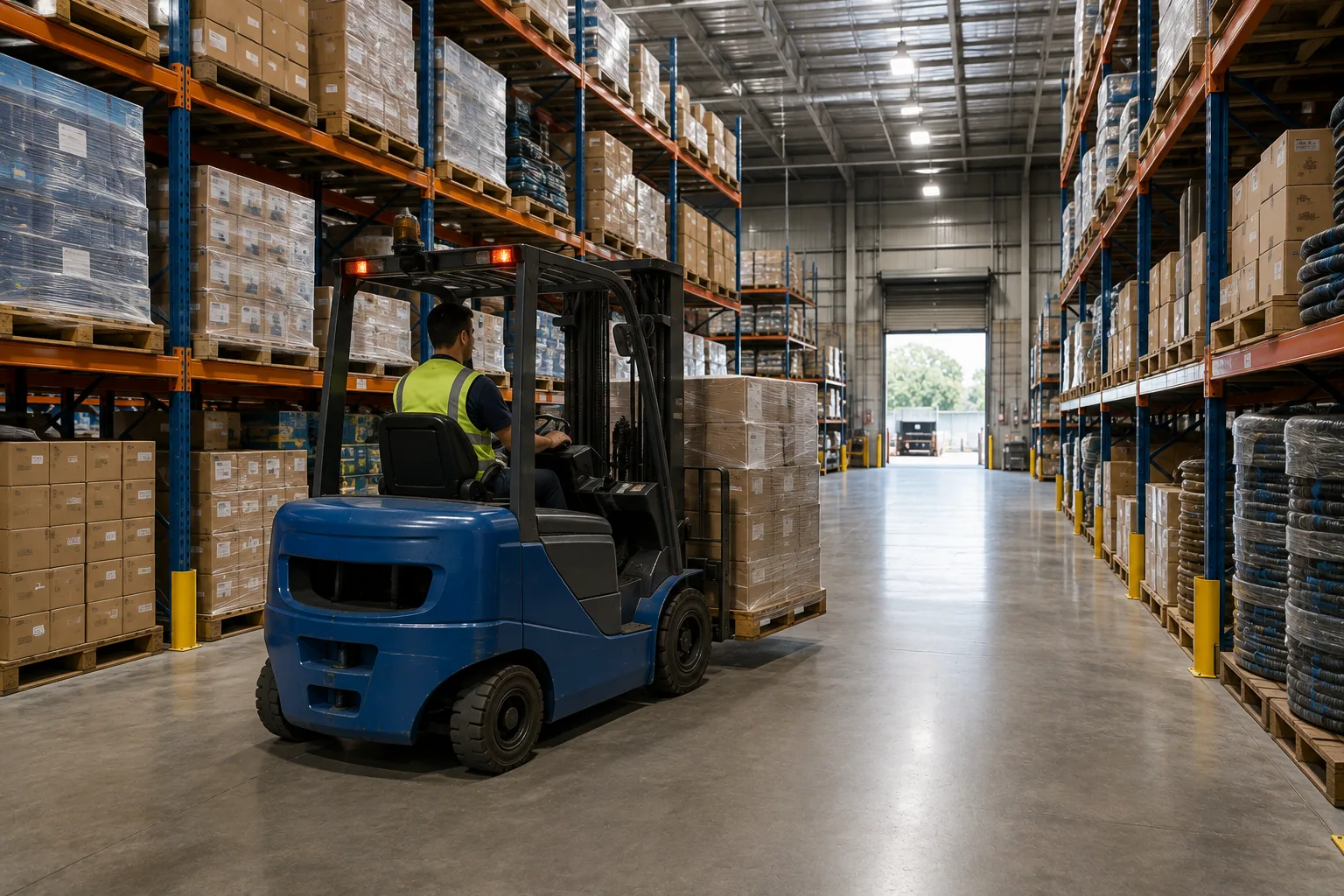
The Reality of Commercial Distribution
Business customers expect deliveries inside set windows and to their own receiving rules, and each stop is a little different. When runs are planned on paper, missed windows and refused deliveries follow.
Set windows. Mixed customers. Specific rules. RunboardPRO keeps every delivery on time and on the record.
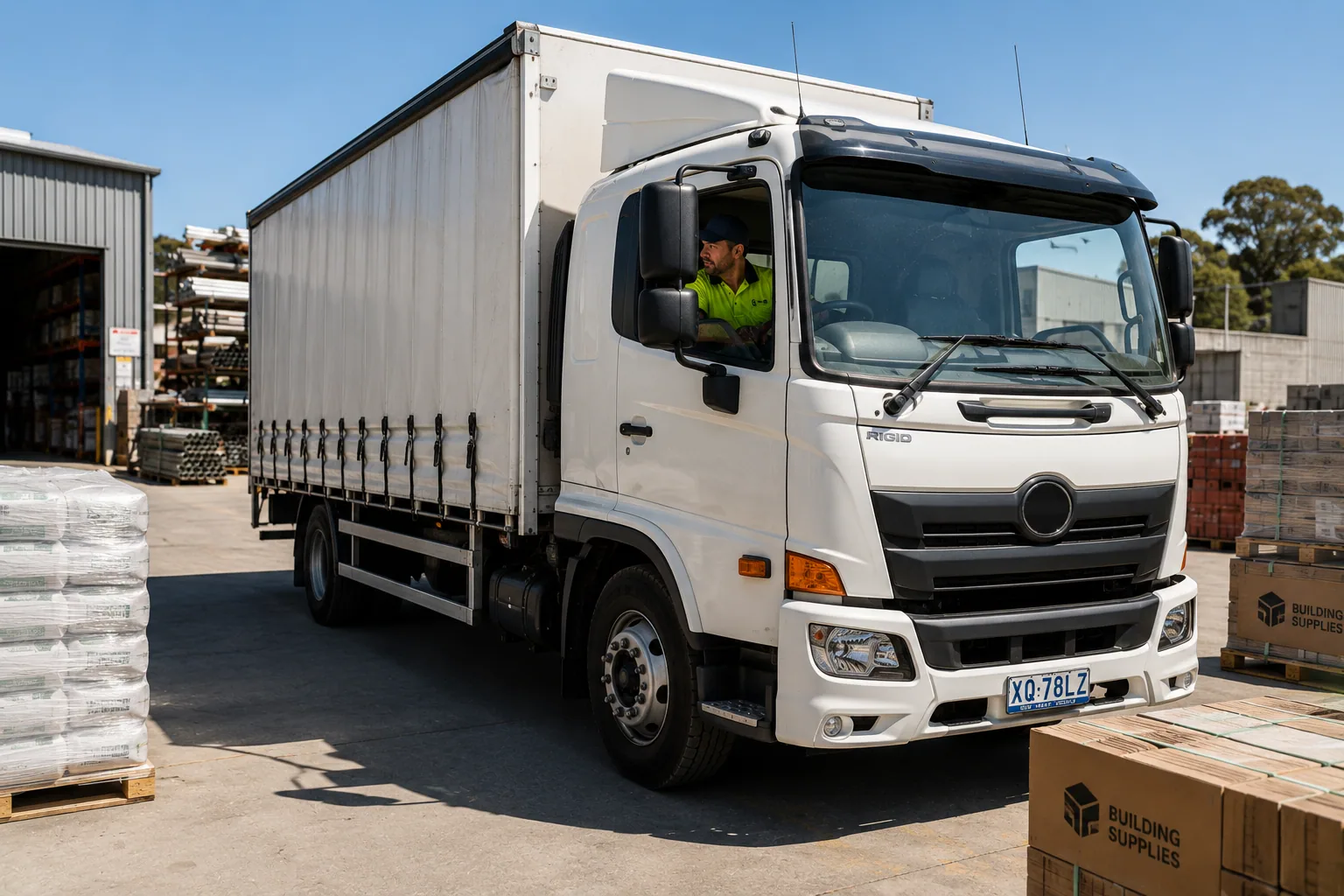
Missed Delivery Windows
A run that drifts off schedule means missed windows, refused loads and unhappy customers down the line.
Per-Customer Instructions Ignored
Each site's receiving rules and access notes don't reach the driver, so drops go wrong.
No Visibility on Arrival Times
Customers can't see when goods will land, so receiving isn't ready and the office fields calls.
Deliveries in Dispute
Without proof, 'it arrived late' or 'it never came' claims are impossible to resolve.
Built for Commercial Goods Distribution
Dispatch & Planning
Runs Planned Around the Windows
Requested and promised times sit on each job, and dispatch sequences the board to hit them.
Drag-and-drop rescheduling keeps the rest of the run on track when one stop changes.
RunTRAC Driver App
Instructions That Reach the Driver
RunTRAC carries each customer's receiving rules, access notes and contact, with navigation from the address.
Structured delivery cards mean each stop is handled the way that customer needs it.
Customer Tracking & Updates
Customers Kept Informed
Customers get automatic SMS updates and a tracking link, with status from On Route to Completed.
Receiving teams are ready on arrival and the office fields fewer calls.
Proof of Delivery
Proof on Every Drop
Drivers capture photos, a signature and notes at each delivery, straight from the app.
Timestamped records against the job settle window and delivery disputes fast.
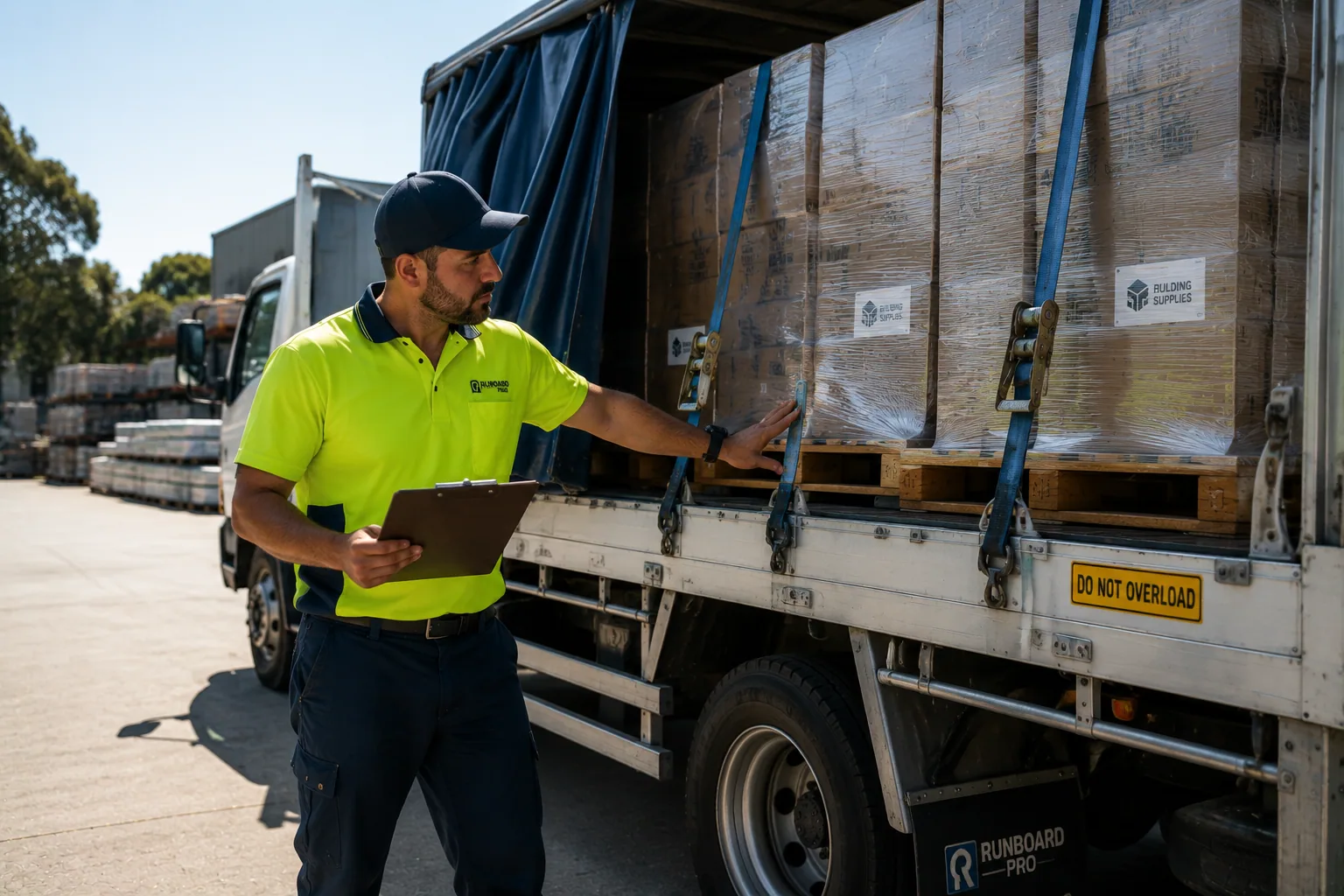
How a delivery runs on RunboardPRO
The same six steps behind every job, from the moment it is created to the proof that closes it.
- Step 1
Job Created
- Step 2
Driver Assigned
- Step 3
Driver Notified
- Step 4
Loaded
- Step 5
On Route
- Step 6
Delivered
What changes on day one
No disruption to operations. Tighter windows and cleaner proof from day one.
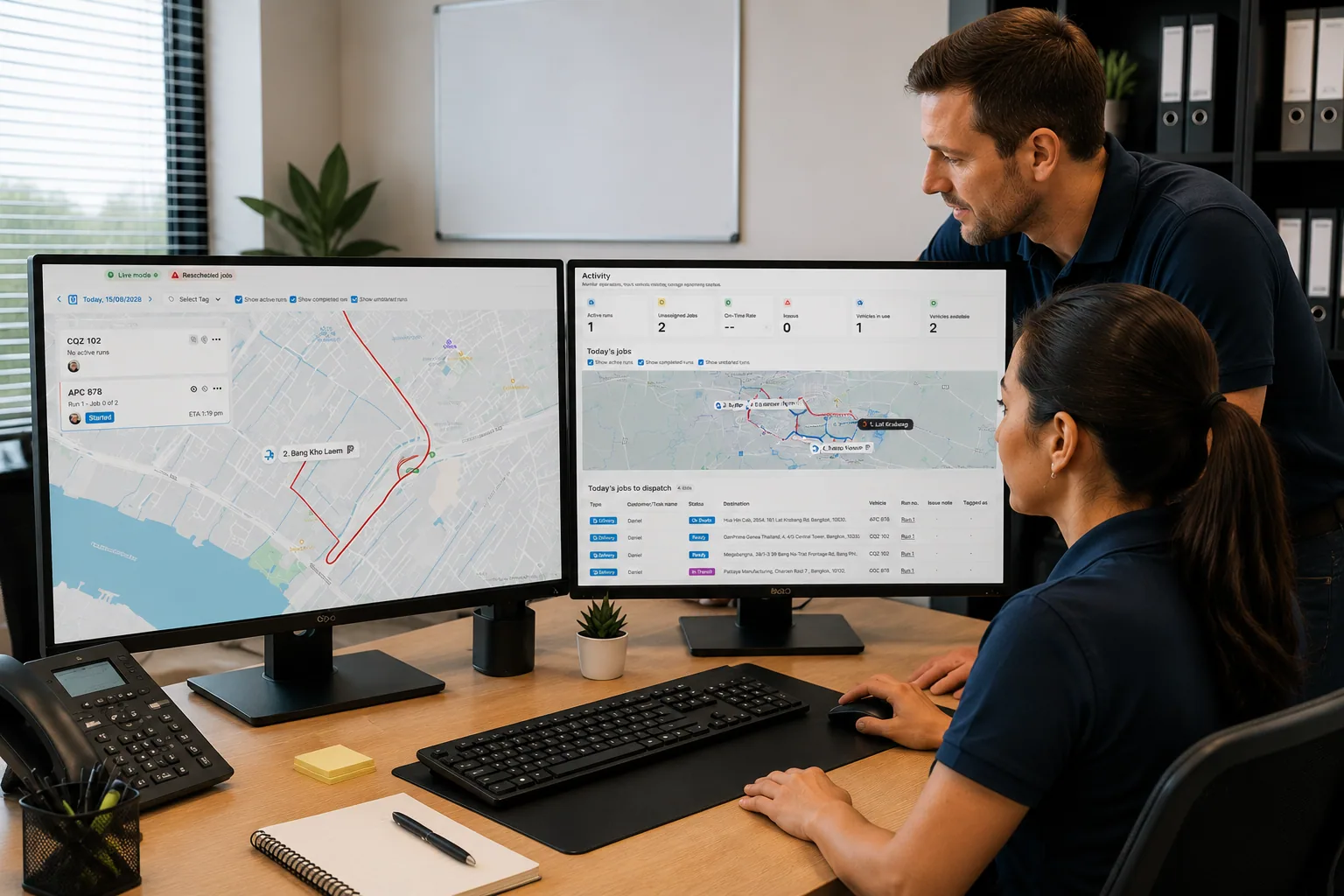
Before RunboardPRO
- Runs drift and windows get missed
- Per-customer rules never reach the driver
- Customers can't see arrival times
- Late and 'never came' claims can't be resolved
After RunboardPRO
- Runs sequenced to hit every delivery window
- Per-customer instructions reach the driver in RunTRAC
- Customers get automatic updates and ready receiving
- Every drop backed by proof against the job
The platform behind it
Every delivery runs on the same five parts of RunboardPRO.
On Time, On Record, Every Stop
RunboardPRO Dispatch keeps everyone connected, informed, and moving even when the day doesn’t go to plan.