
RunTRAC · Driver app for iOS & Android
The driver side of the operation, on one phone.
Drivers view schedules, navigate jobs, contact customers, upload proof, log breaks and update job progress live — so dispatchers and drivers are always on the same page, with no calls needed.
Too many calls. Too much guesswork.
Without the driver connected to the board, the whole day runs on phone calls and paperwork that never makes it back.
Constant phone calls
Dispatch chasing drivers all day for status updates.
Manual run sheets
Printed routes, scribbled notes, lost paperwork.
No live visibility
Dispatch guessing where every driver is up to.
Missing proof of delivery
Photos and signatures stuck on driver phones.
Everything a run takes — without leaving the app.
Each feature feeds back into RunboardPRO live, so the dispatch team sees progress as it happens.
See schedules live
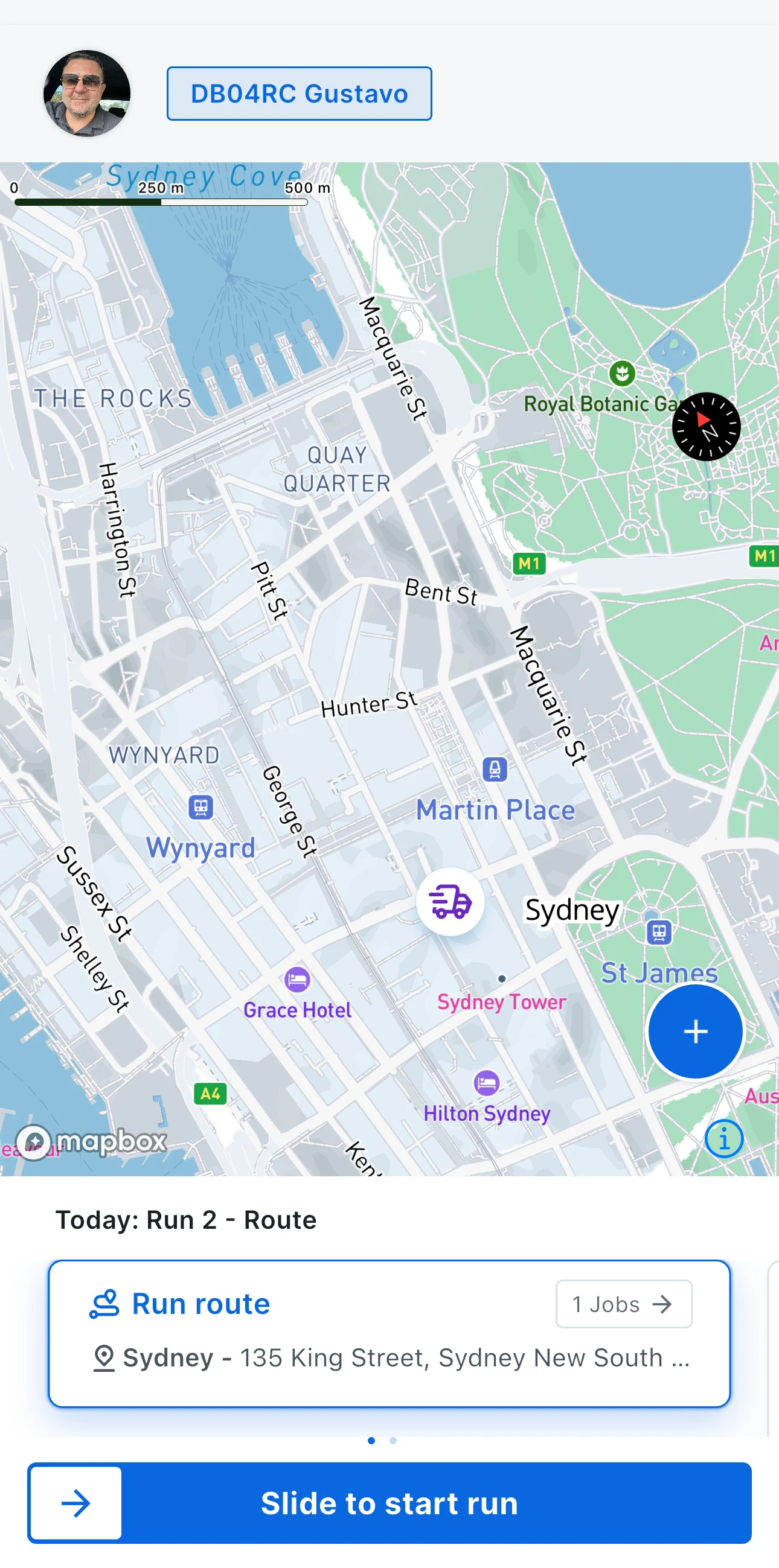
Drivers open RunTRAC and see exactly what’s on for today — stop order, addresses, customer contacts and job notes.
Live navigation
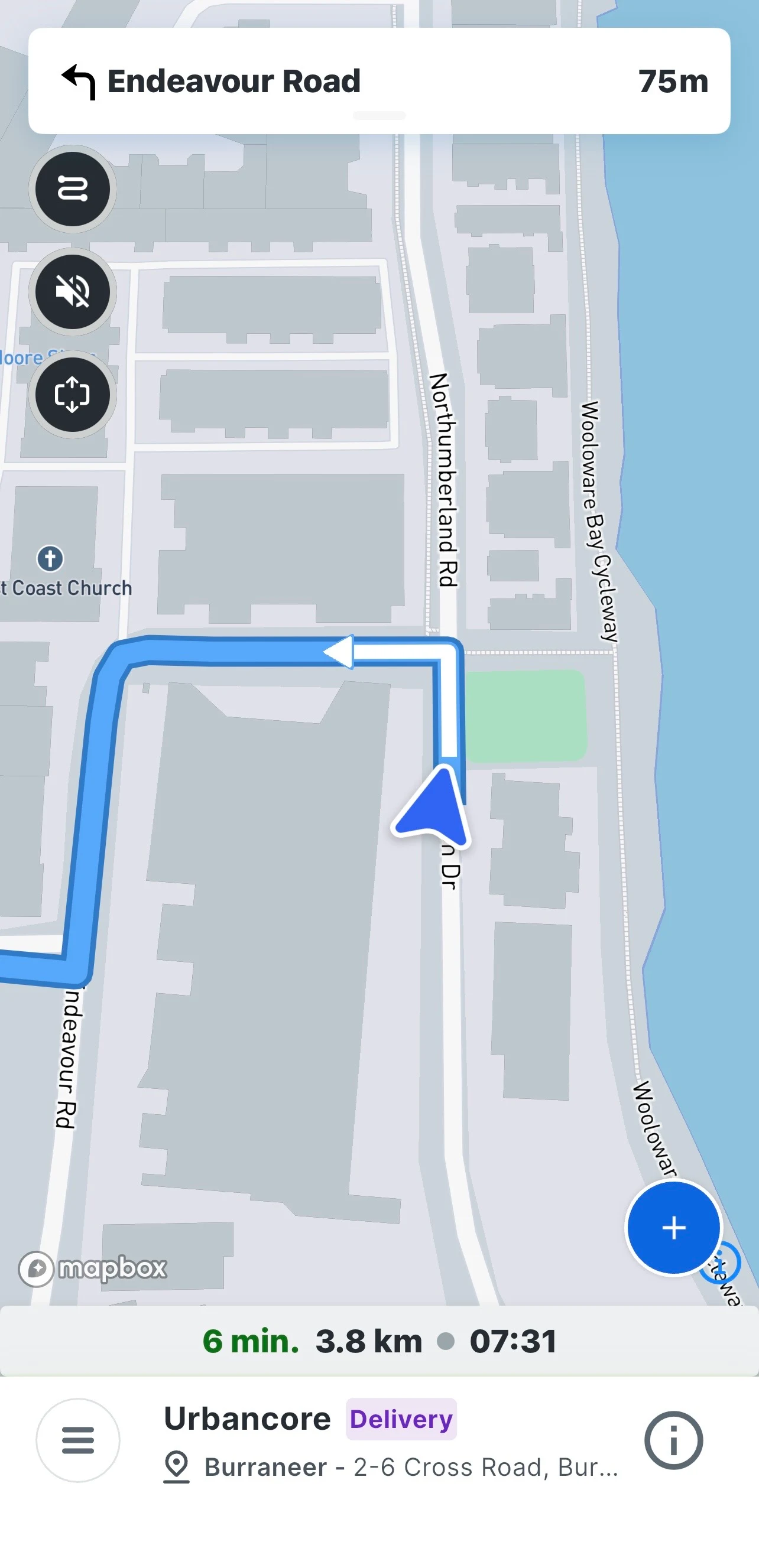
Navigation launches from the job address, so drivers find the gate rather than the street.
Capture proof of delivery
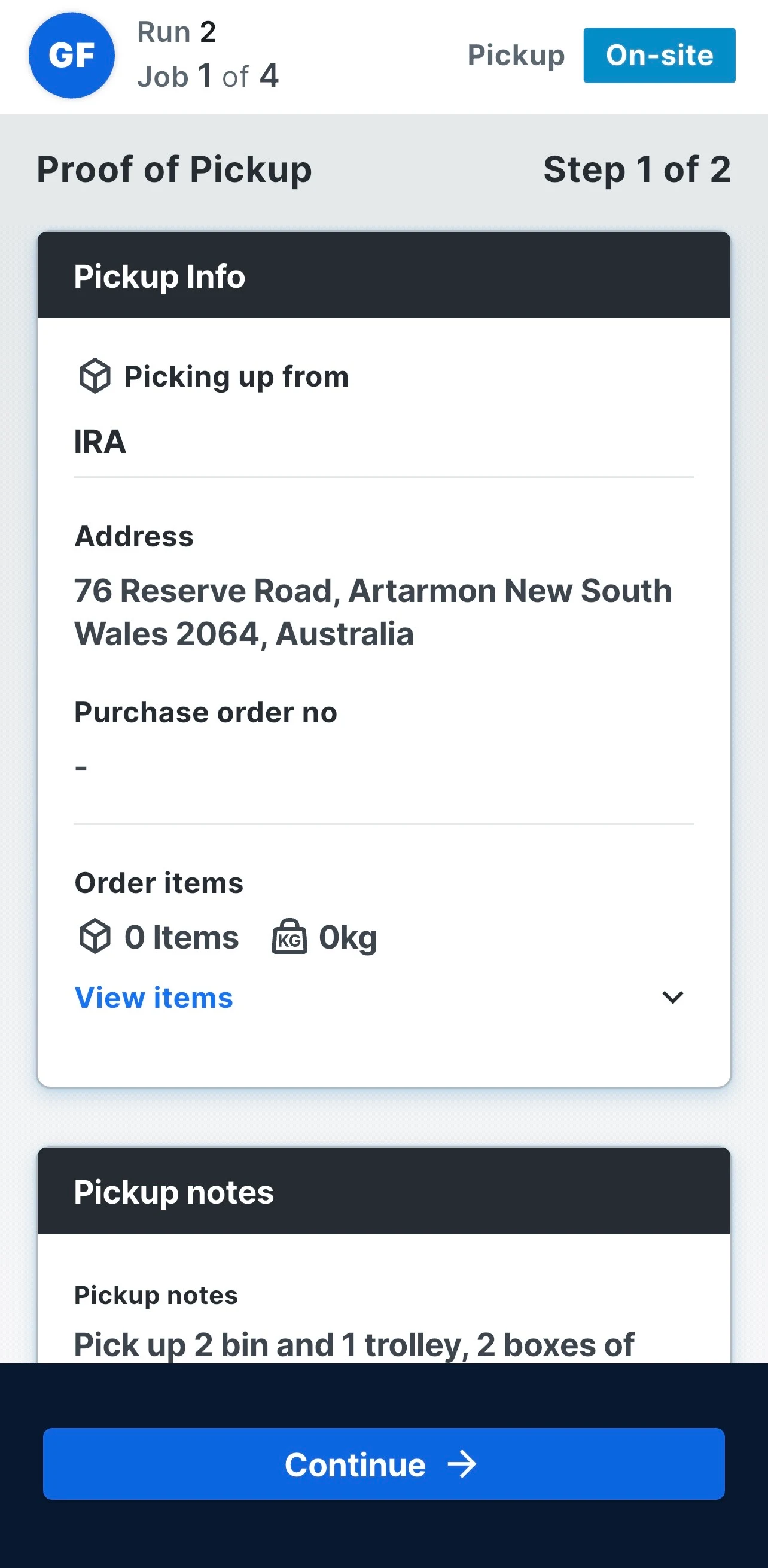
Photos, signatures and notes are captured at the drop and attached to the job.
Customer contact and issue reporting
Drivers reach the site contact from the job card, and flag a problem without stopping to ring the office.
Break logging and driver expenses
Breaks and costs are logged in the same app, against the right run and vehicle.
Always in sync with the office
Schedules, job updates and confirmations flow live between RunboardPRO and the driver’s phone.
One tab for today, one tap to start.
Minimal training required — drivers are productive on day one, without app-hopping.
- Step 1
Open the run
Today’s jobs in stop order, with addresses and notes.
- Step 2
Navigate
Launch directions straight from the job address.
- Step 3
Update on site
Move the job to On Site and Completed as it happens.
- Step 4
Capture proof
Photo, signature and notes before leaving the drop.
Who is using RunTRAC every day.
Any operation where a driver leaves a yard with a run to complete. It is included with every vehicle subscription.
The rest of the platform
Ready to simplify dispatch and driver communication?
Start a 14-day RunboardPRO trial and connect dispatch, drivers, customers and proof of delivery in one live system.