
Solutions
Drop Landscape Loads in the Right Spot, Every Time
Booked. Delivered. Pictured — Powered by RunboardPRO Dispatch
RunboardPRO gives landscape and outdoor supply yards the dispatch and proof to get soil, mulch, turf, stone and pavers to residential and job-site drops — with the access details and drop-location photo every job needs.
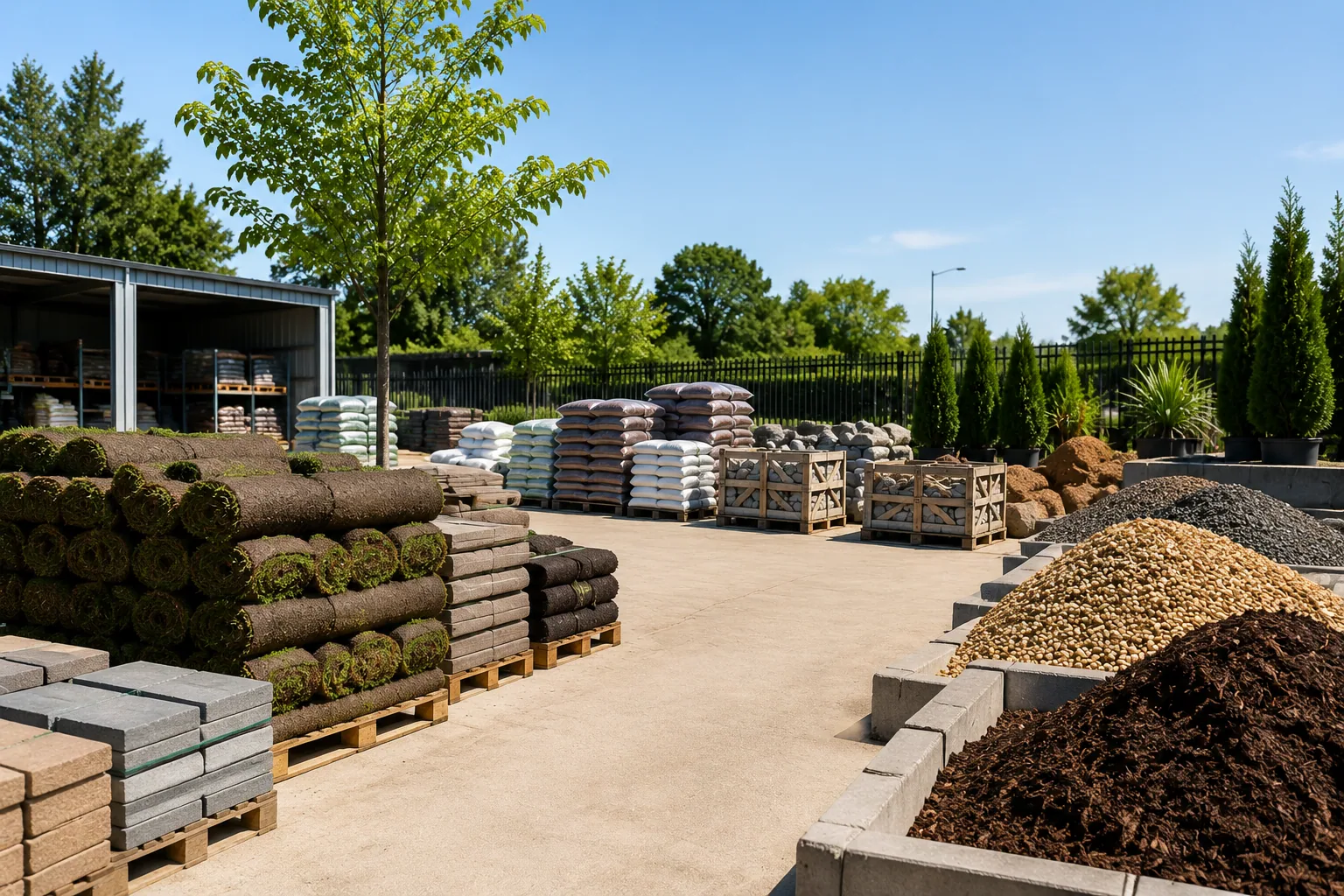
The Reality of Landscape Supply
Bulk loads go to driveways, verges and job sites with awkward access, and the customer usually isn't standing there when the tipper arrives. When drop details aren't clear, you get wrong spots, blocked access and 'that's not where I wanted it' calls.
Bulk drops. Tricky access. Busy seasons. RunboardPRO keeps every load booked, guided and proven.
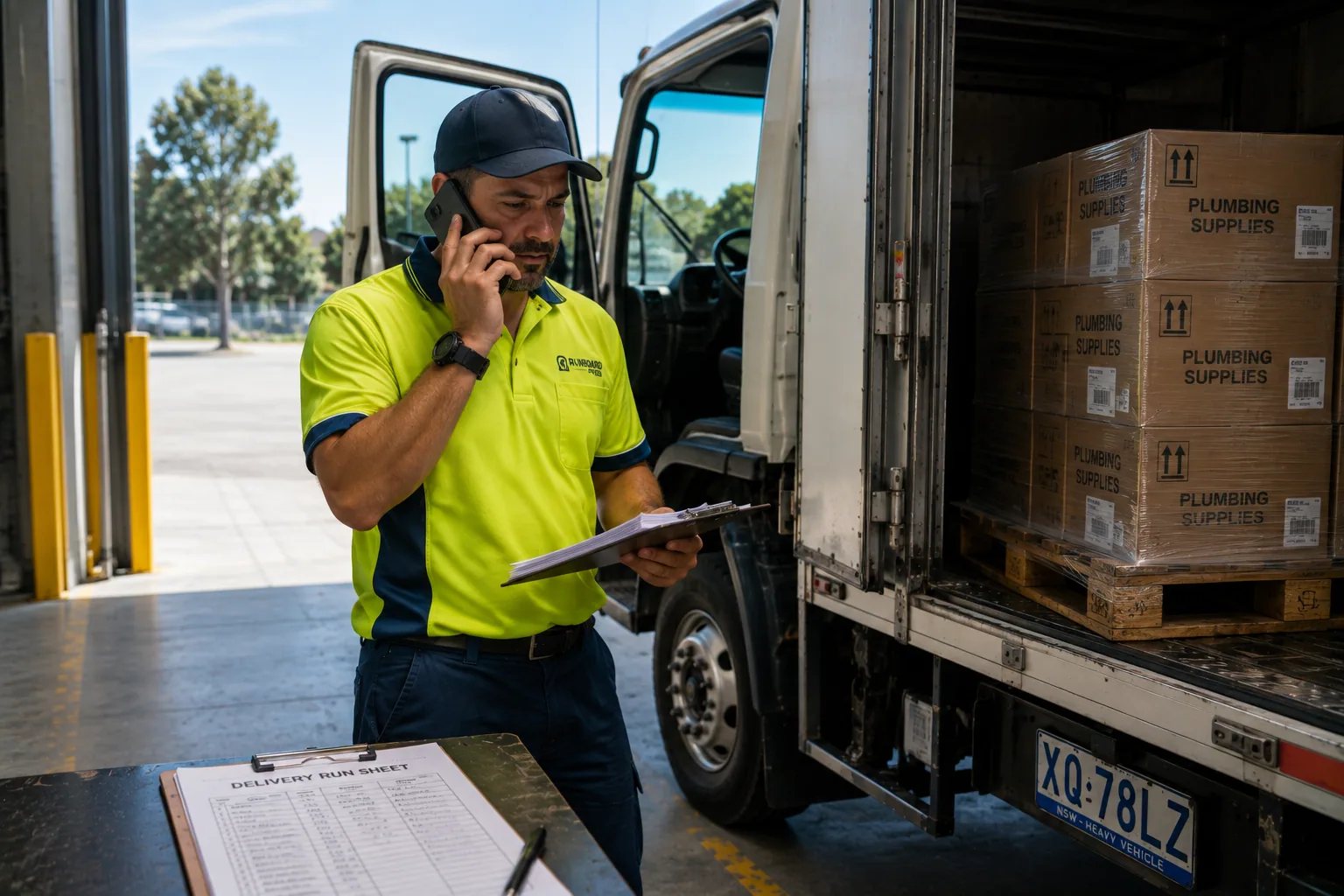
Wrong Drop Location
A tipper load in the wrong spot can't simply be moved, and the customer expects the yard to make it right.
Access Nobody Warned You About
Low clearance, soft ground and narrow driveways aren't flagged, so drivers can't safely tip on arrival.
Seasonal Peaks Overwhelm the Phone
In peak season the office drowns in booking and 'where's my load' calls it can't keep up with.
No Proof of the Drop
When a customer says it never came or went to the wrong place, there's nothing to show otherwise.
Built for Landscape Supply Delivery
Dispatch & Planning
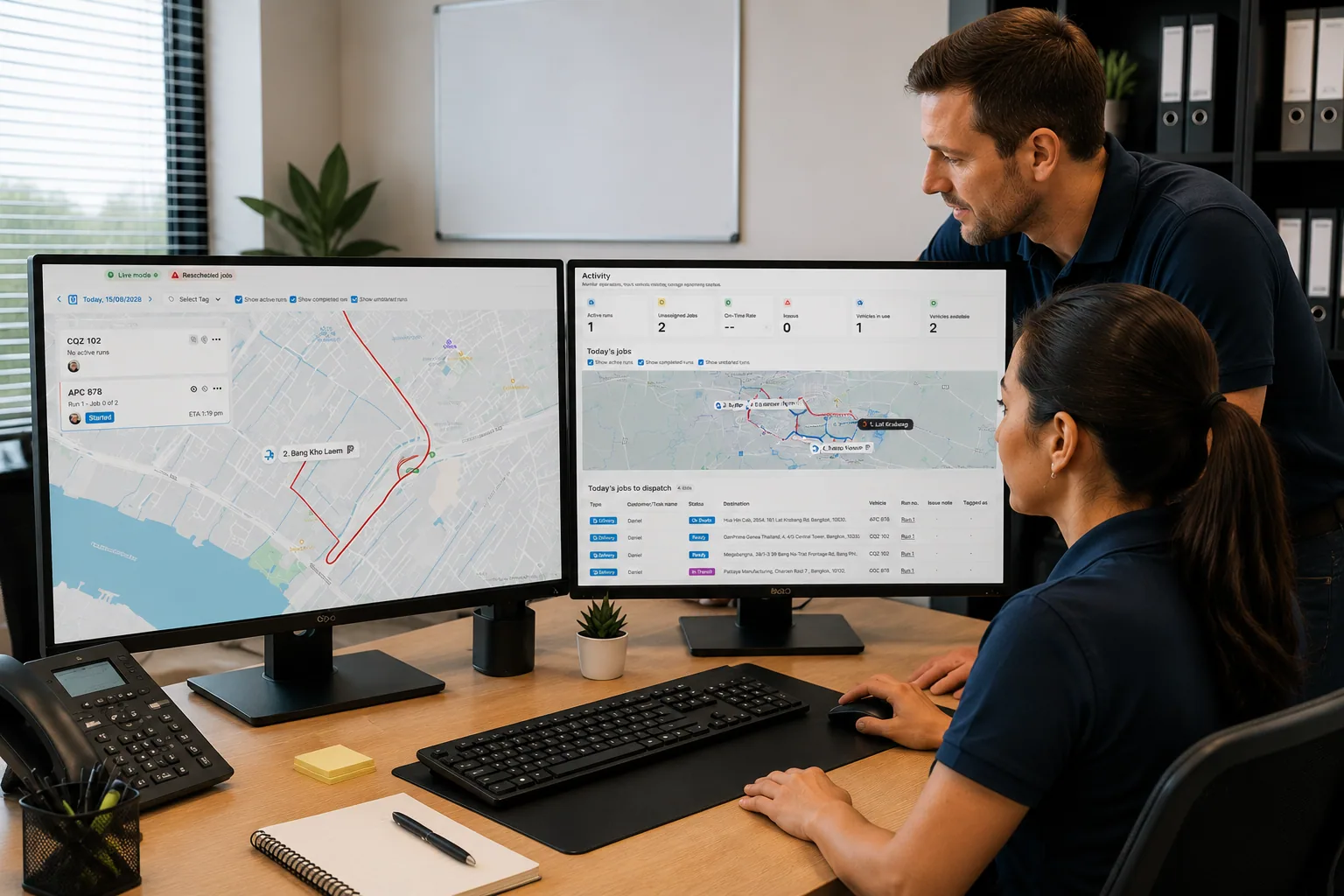
The Whole Day on One Board
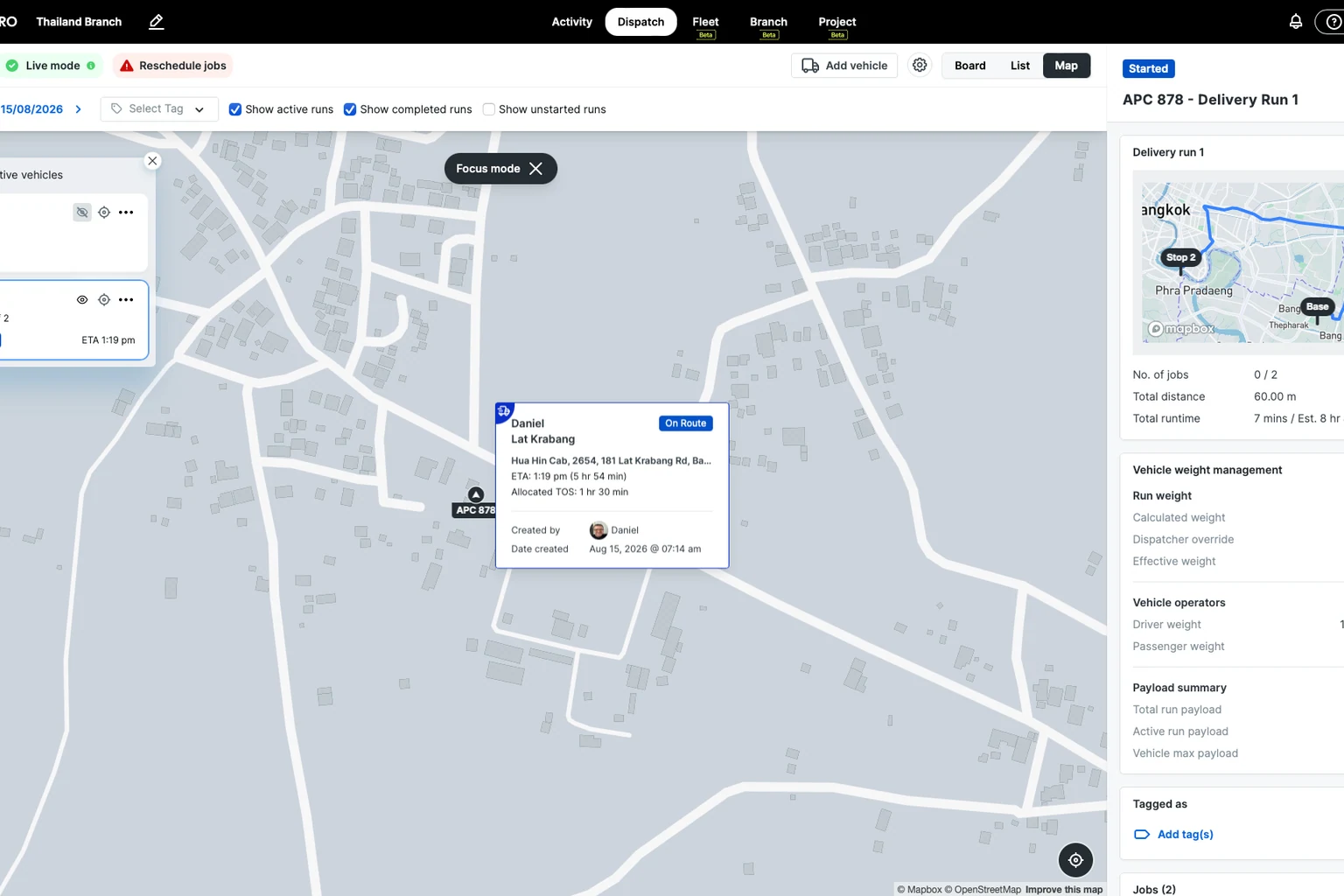
Plan tipper runs on the Dispatch Board and build multi-stop runs that keep trucks full and moving.
Requested delivery windows sit on each job, so bookings turn into an ordered run instead of a phone scramble.
RunTRAC Driver App
Drop Details in the Driver's Hand
RunTRAC gives drivers the exact drop location, access notes and customer contact, with navigation from the job address.
Drivers see clearance and ground warnings before they arrive, so loads land where they should.
Customer Tracking & Updates
Customers Updated Automatically
Customers get an SMS update and a tracking link as the load moves, shown as On Route and Completed.
That cuts the peak-season call load and lets customers clear the driveway in time.
Proof of Delivery
A Photo of Every Drop
Drivers photograph exactly where the load was placed and add notes, all from the app.
Every drop is timestamped against the job, so location and delivery questions are answered instantly.
How a delivery runs on RunboardPRO
The same six steps behind every job, from the moment it is created to the proof that closes it.
- Step 1
Job Created
- Step 2
Driver Assigned
- Step 3
Driver Notified
- Step 4
Loaded
- Step 5
On Route
- Step 6
Delivered
What changes on day one
No new complexity. Cleaner drops and fewer calls from day one.
Before RunboardPRO
- Loads land in the wrong spot and can't be moved
- Access and clearance problems surface on arrival
- Peak-season calls swamp the office
- Wrong-spot and 'never came' claims can't be proven
After RunboardPRO
- Bookings become ordered, full tipper runs on one board
- Drivers get exact drop spots and access notes in RunTRAC
- Customers get automatic updates and clear the driveway
- Every drop backed by a location photo and timestamp
The platform behind it
Every delivery runs on the same five parts of RunboardPRO.
Drop Every Load in the Right Place
RunboardPRO Dispatch keeps everyone connected, informed, and moving even when the day doesn’t go to plan.